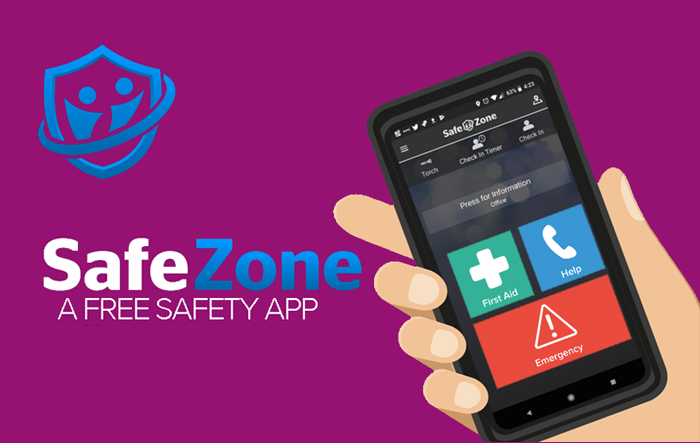
SafeZone app
What is the SafeZone app?
The SafeZone app allows you to record your presence on campus, and gives Student Visa holders an easy way to comply with their attendance-monitoring obligations.
It is primarily an important part of student wellbeing and security, allowing you to get help when you need it. For more information on the safety features, please visit the below link.
Why is the University using it?
Universities are responsible for the monitoring of their student visa holders’ engagement with their studies, and for reporting any changes in participation to the Home Office.
Using the check-in function in the SafeZone app means that we can quickly identify any potential welfare and wellbeing issues stemming from poor attendance/engagement, and then ensure students receive support and guidance.
How do I use it?
- Sign in with your student email address
- Grant location and battery optimization permissions when prompted
- Tap ‘Check In’ at the start of each class (The app should automatically check you out when you leave the area into which you checked in, but you can also tap ‘Check Out’. If you have consecutive classes in the same location, click 'Check Out' and then 'Check In' again)
You should do this any time you attend an on-campus class which appears on your timetable (either during your class, or up to 10 minutes before/after the class start/end time). This could be a lecture, lab, seminar, tutorial, etc. You need to be in the room that appears on your timetable for the Check In to be successful.
The SafeZone app can also be used to contact the emergency teams on campus. Do not worry if you accidentally hit the emergency button; the Security Team will contact you to ensure your safety.
What happens next?
Your check-in will be recorded safely and centrally by University staff. You won’t receive any emails or other communications from us – just continue to attend classes and record your attendance in the SafeZone App.
If you haven’t been recording your attendance in the SafeZone app, you will be contacted by the University and asked to account for your absence. You will also be formally reminded of the University’s expectations regarding your engagement, and of the consequences of continued non-engagement: withdrawal of sponsorship and exclusion from your course. The University will also highlight support available and guidance to get your studies back on track.
How do you process my data?
Your data is processed securely by University staff in the United Kingdom. SafeZone app information is handled and stored by CriticalArc (the SafeZone app provider). For more information, please read out Privacy Notice.
Privacy notice for monitoring student engagement and attendance
What if my phone does not support SafeZone, or I do not have a smart phone?
The SafeZone app will work on iPhhones (iOS v13+) and Android phones (Android v7+). It is designed to be non-intensive with regards to battery usage.
In some cases, we may be able to help you purchase a new mobile phone, using the Financial Support Fund. This fund is available to help cover the costs of purchasing a mobile phone, but is limited and will require an application process.