Estates Directorate
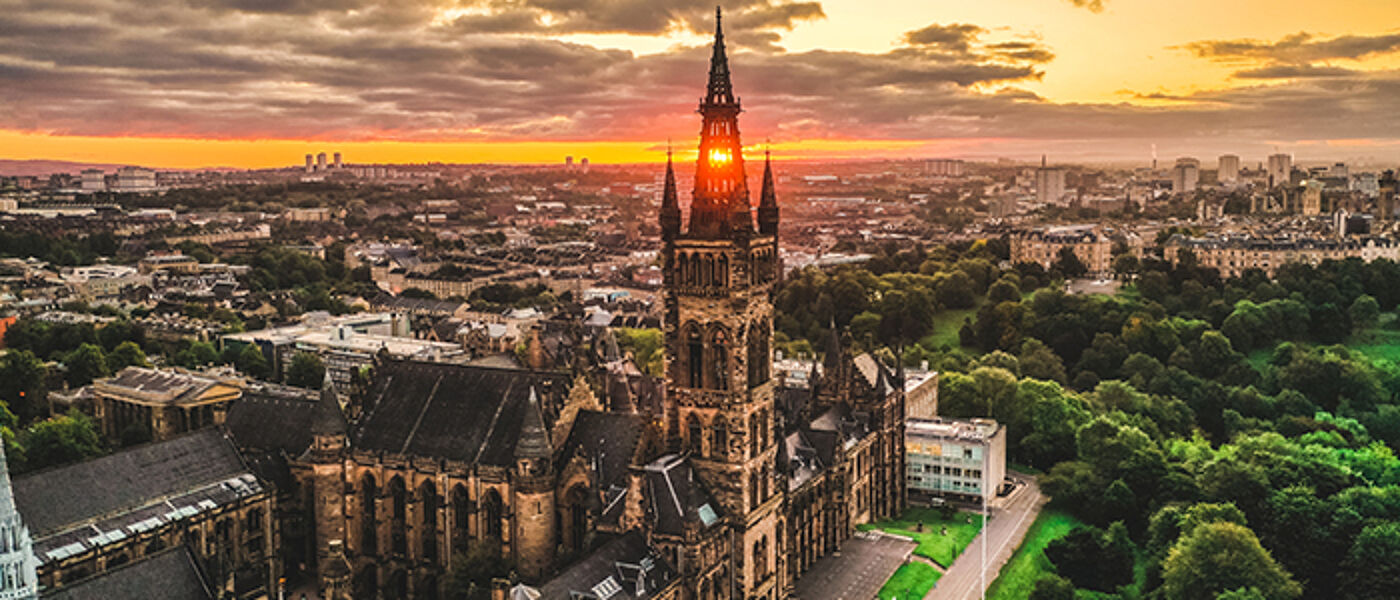
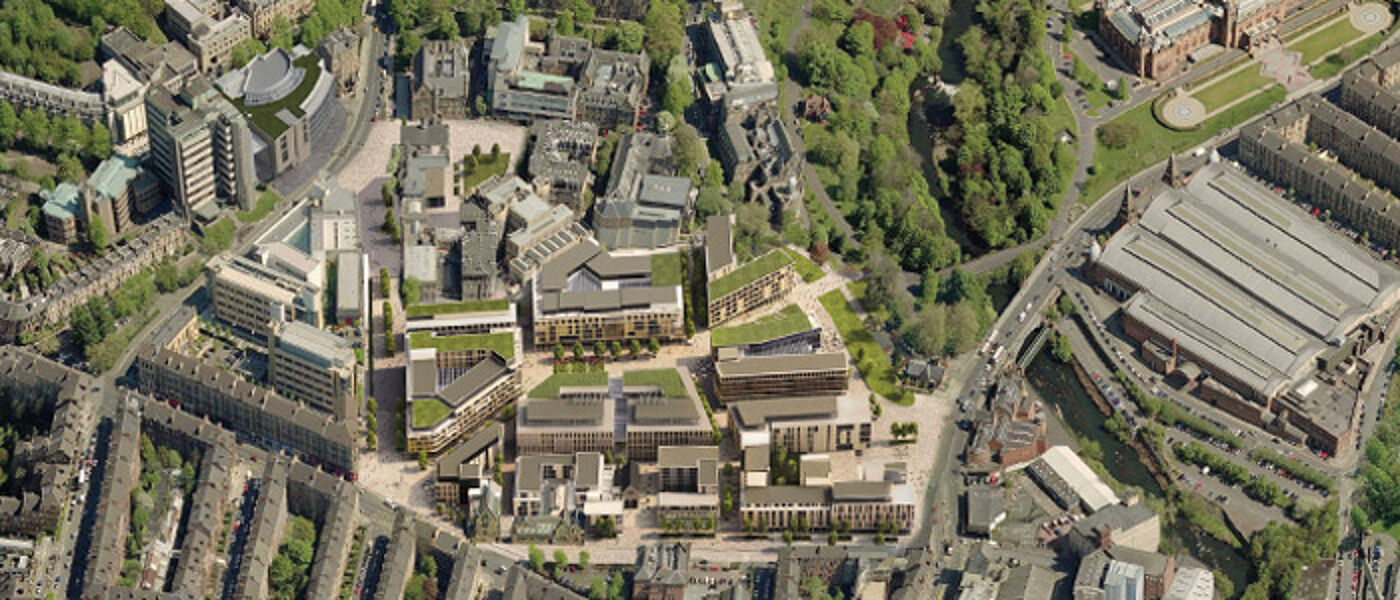
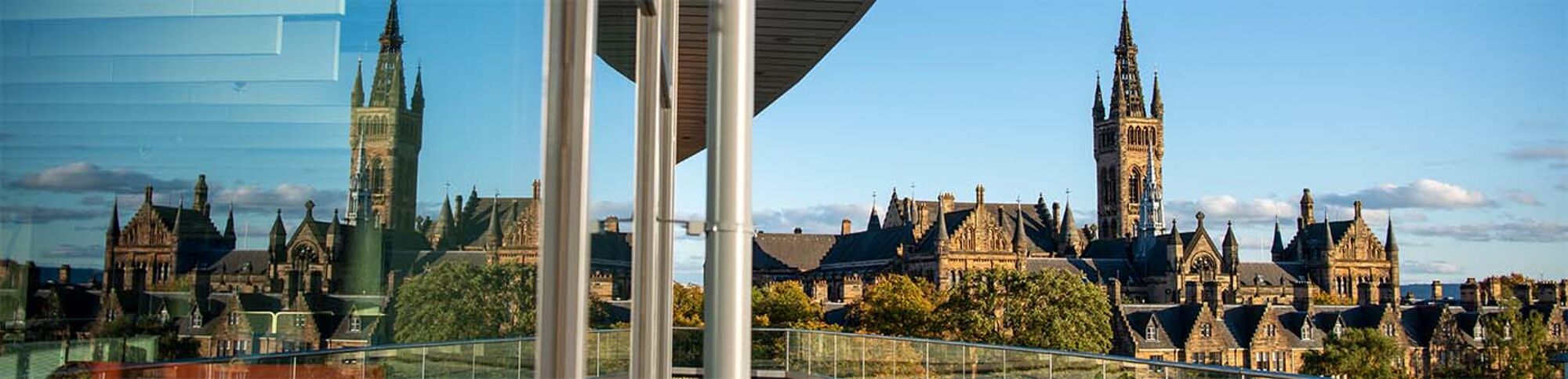
As a Directorate, we are entrusted with an historic and beautiful estate: to honour and conserve its legacy for future generations whilst creating the very best facilities for our world-changing researchers along with learning and teaching spaces to inspire our future world changers.
We are committed to enhancing the experience of our students and staff through the services we deliver and the spaces we provide.
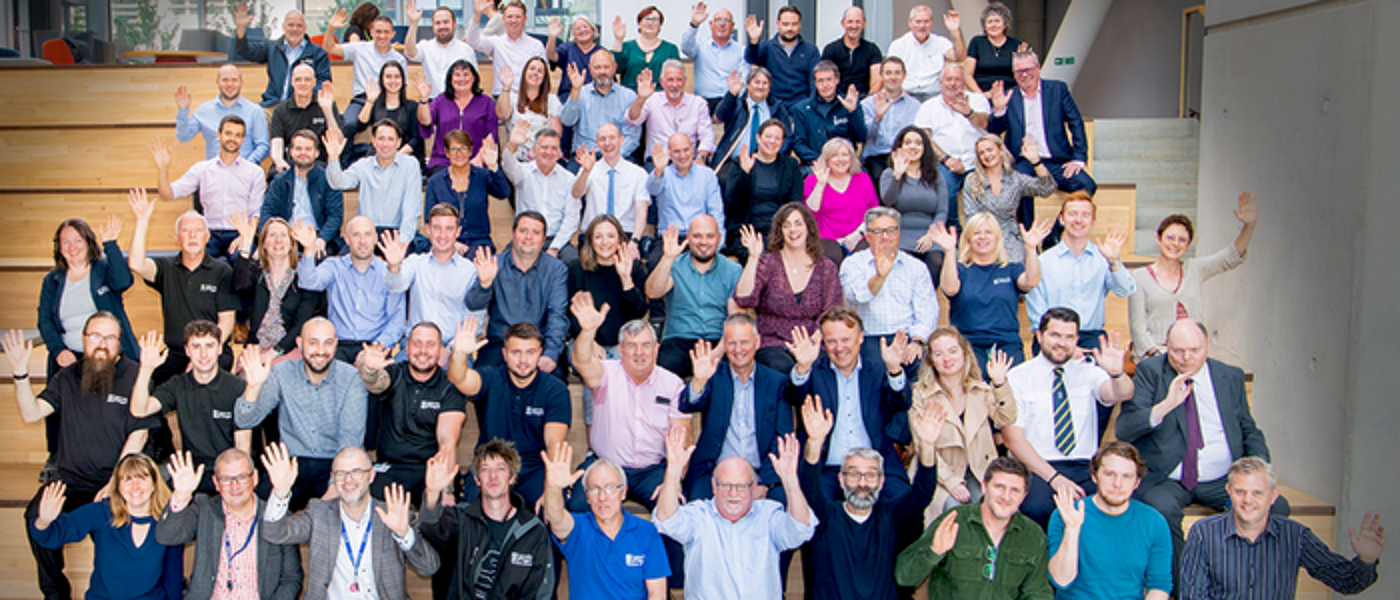
Our Directorate is composed of the following departments:
For any urgent enquiries, please contact the Estates Service Desk on 0141 330 6000.
Service Catalogue